

Overview
The GWI MCP server can be integrated with Google Gemini CLI to enable agents to access GWI consumer insights data inside the CLI. The integration supports two authentication modes:- OAuth 2.0: Use your GWI credentials to sign in.
- Spark API token: Use your Spark API token to authenticate.
Prerequisites
Before continuing with the integration, please follow the instructions to installnpm and gemini CLI:
OAuth mode
-
Run the following command to add the GWI MCP server:
Note: this will add an entry on the
~/.gemini/settins.json. If you want to usegemini-cliin project level please use-s projectwhich will update the{WORKSPACE}/.gemini/settings.jsonBoth of these can also be edited manually. -
Execute
gemini -
Validate that the mcp server was added, by prompting
-
Initiate the OAuth flow
-
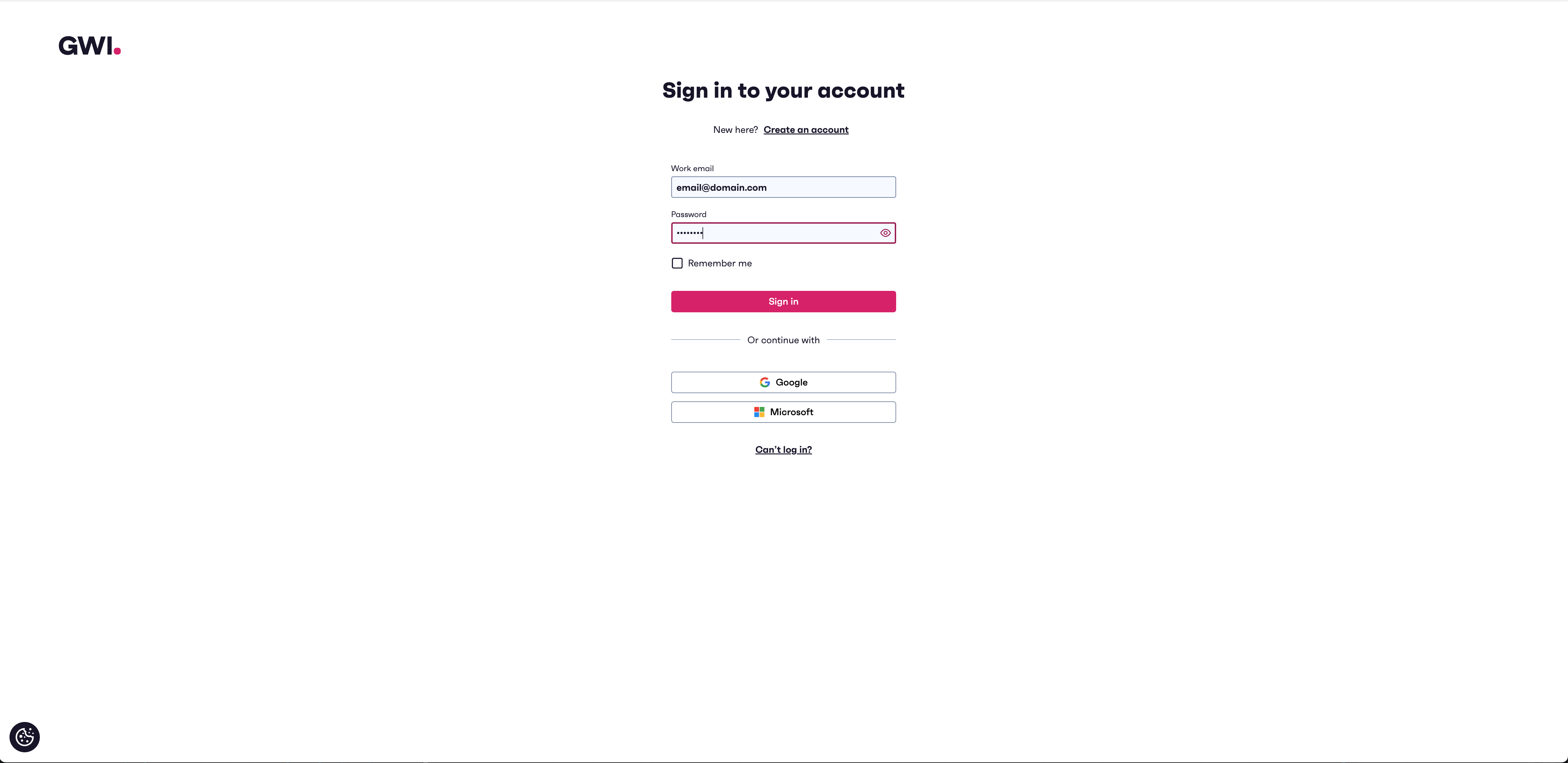
You’ll be redirected to the GWI sign-in page. Use your GWI credentials to sign in. If you don’t have a GWI login, click Sign up to create one
-
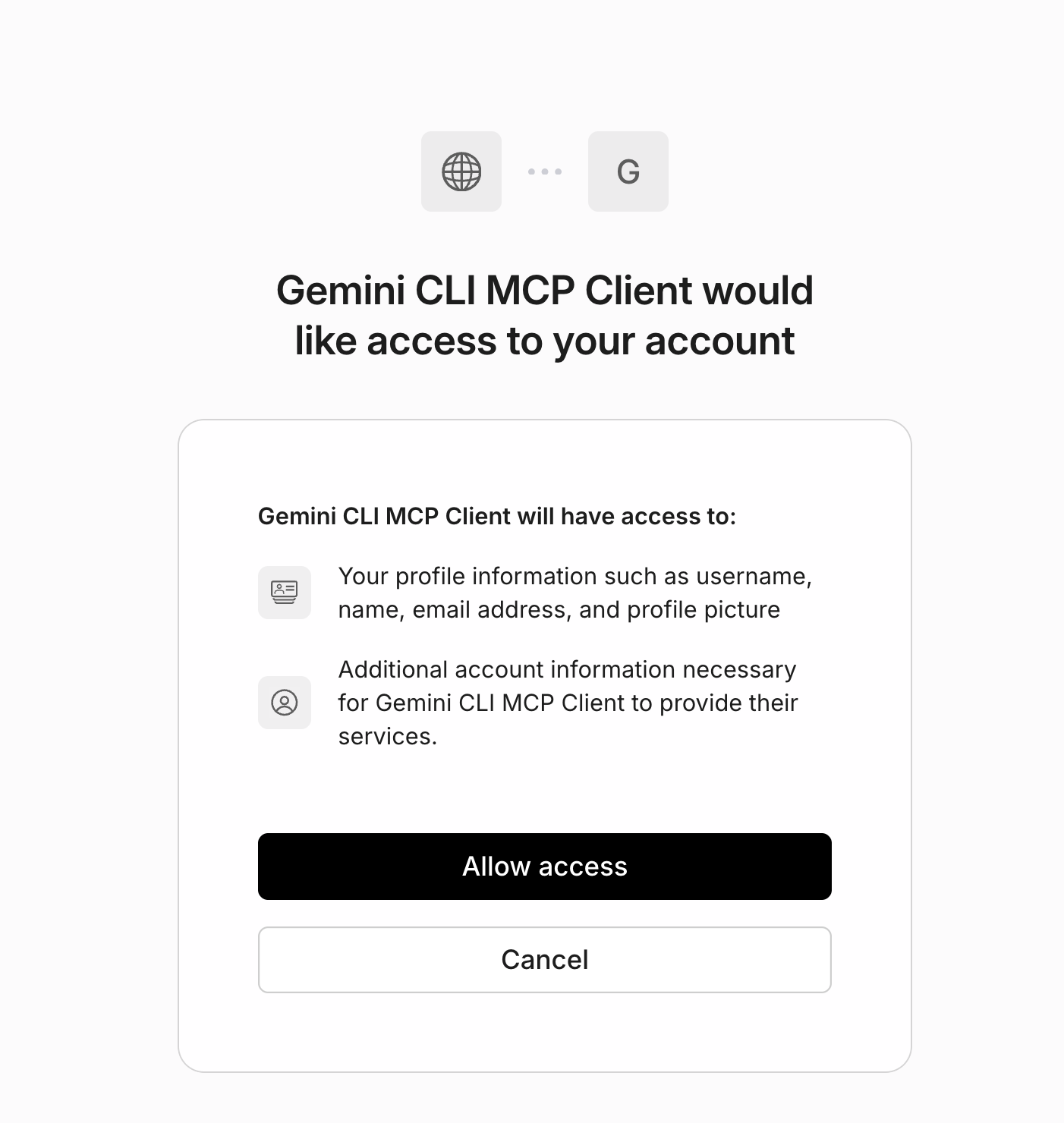
After successful signin, you need to allow access to Gemini CLI
-
Then return to
geminiand validate that the mcp server is connected - Start using the GWI Spark
Spark API token mode
This mode is available for users that have aSpark API token available.
-
Run the following command to add the GWI MCP server:
Note: this will add an entry on the
~/.gemini/settins.json. If you want to usegemini-cliin project level please use-s projectwhich will update the{WORKSPACE}/.gemini/settings.jsonBoth of these can also be edited manually. -
Execute
gemini -
Validate that the mcp server was added, by prompting
- Start using the GWI Spark