

Overview
The Spark MCP can be easily integrated with Claude desktop through our Claude Desktop ExtensionHow to use
The integration can be enabled using the following steps:- Download Claude Desktop Extension
- Open Claude Desktop and navigate to Settings->Extensions->Advanced settings
- Click Install Extension on the Extension Developer
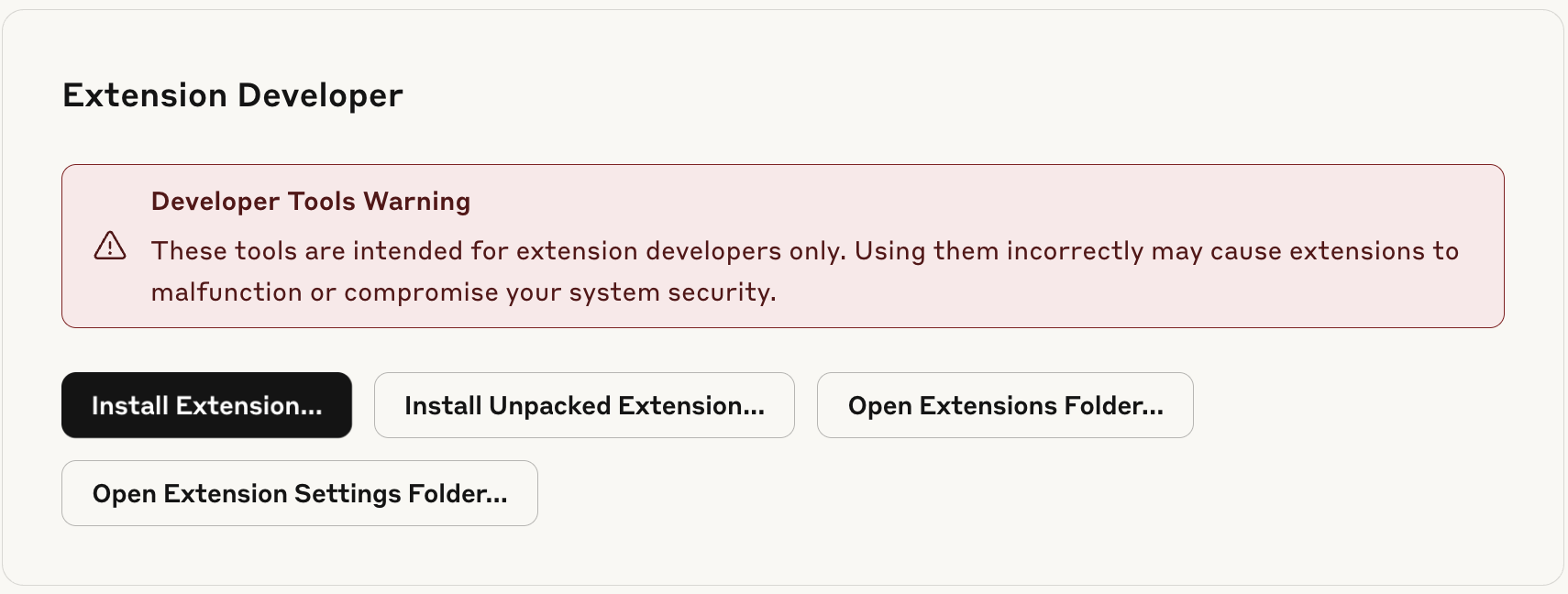
- Choose the downloaded extension file and click Install

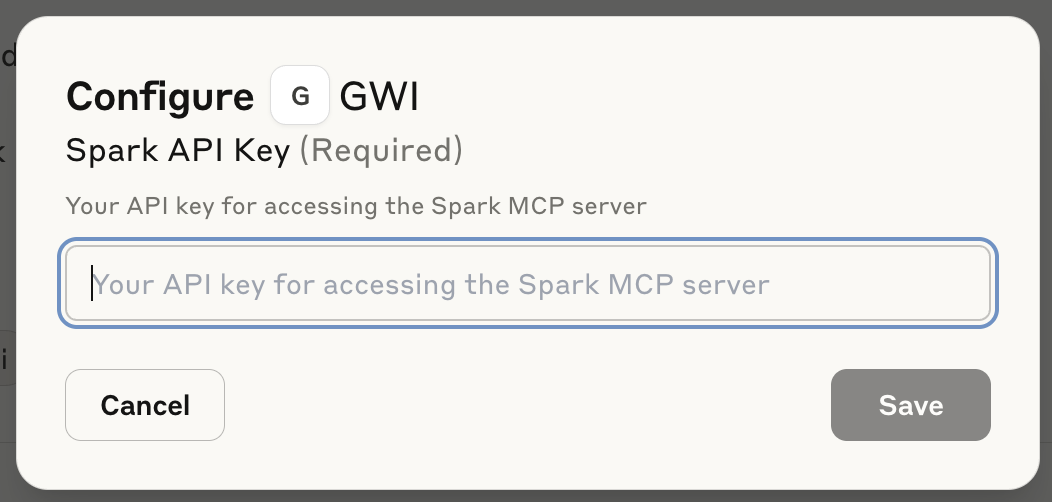
- During installation provide your Spark API token
- Enable the extension to use it in Claude chat
